 Amber Naz
Summary
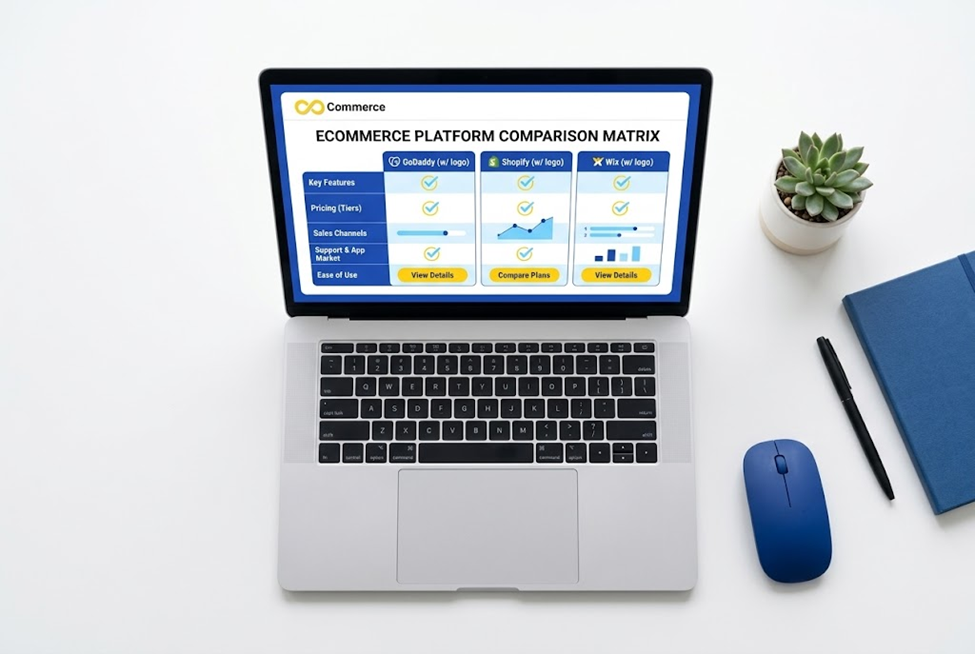
Choosing between GoDaddy, Shopify and Wix is harder than it looks, because they were not built for the same job. Shopify was built around selling products. Wix started as a general website builder and added a full ecommerce layer. GoDaddy is best known for domains and hosting and offers a website builder with an online store option. Comparing them feature by feature is useful, but the better question is which one matches the store you are actually building.
This comparison looks at ease of use, ecommerce tools, payments and fees, pricing, selling channels and room to grow. It draws on each company’s own pages, which means the claims are the vendors’ claims, and the article says so where it matters. GoDaddy’s pages did not show plan prices when they were checked, so this article does not quote them. It also does not declare a single winner, because the right answer depends on what you sell and how you plan to grow.
Quick answer
- Choose Shopify if selling products is the main point of your site and you expect to grow, add sales channels or work with many apps.
- Choose Wix if you want a flexible, design-led site with a built-in store, and you also need things like bookings, content or a portfolio on the same site.
- Choose GoDaddy if you already use GoDaddy for your domain, want a simple setup with AI assistance, and plan a smaller store.
None of these is wrong for every store. The sections below explain why.
At a glance
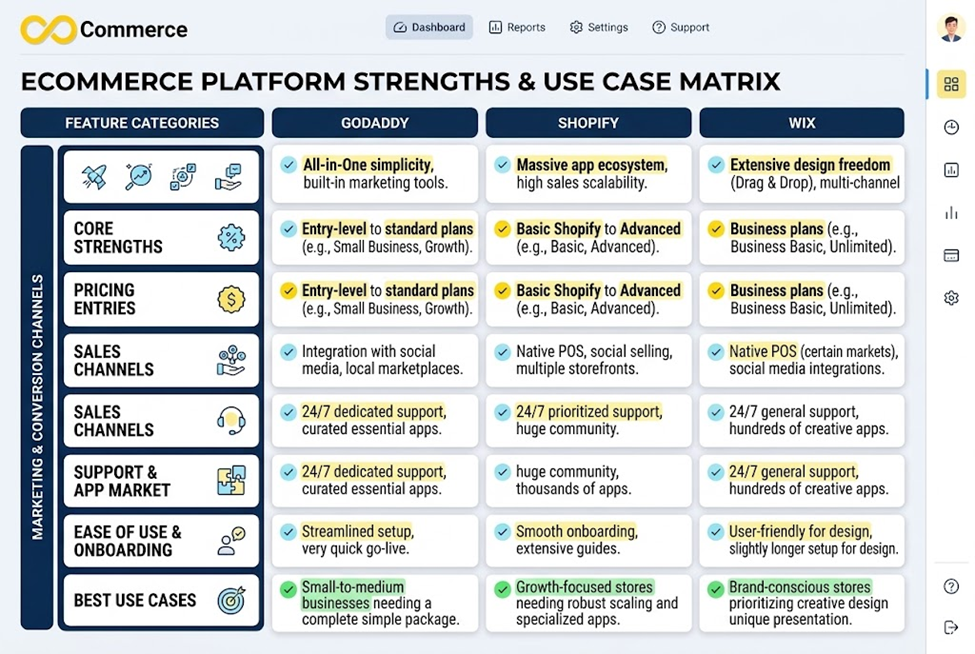
| Features | GoDaddy | Shopify | Wix |
| Core strength | Domains, hosting, simple site builder | Dedicated ecommerce platform | Flexible site builder with ecommerce |
| Start free? | Free to start; pay to publish | 3-day free trial, then $1/month for 3 months (as listed) | Building is free; accepting payments needs a paid plan |
| Entry store pricing | Not shown on pages checked | Basic $39/mo monthly, $29/mo annual | Annual ecommerce plans from $29/mo (as listed) |
| Payment processing | GoDaddy Payments 2.7% + 30¢; Stripe in some cases | Shopify Payments 2.9% + 30¢ online on Basic | Wix Payments plus 70-80+ providers |
| Best for | Small, simple stores | Growing product businesses | Design-focused or mixed-purpose sites |
Prices are in US dollars, as listed on each company’s page when checked, and they change. Confirm them on publish day.
Ease of use
GoDaddy
GoDaddy leans on AI-assisted building. Its page describes an “Airo AI Builder” where you describe what you want in plain language and it generates a site, and says you can start building for free with 50 AI credits a month and no credit card. Credits expire at the end of each billing cycle and do not roll over. For an online store, GoDaddy says setup is free and you pay when you publish, and you must add at least one product or service before your first publish.
This can feel fast for a first-time builder. The trade-off is that AI-generated structure still needs a human to check product data, shipping and policies.
Shopify
Shopify’s admin is organized around products, orders, customers and marketing, so a store owner works inside a system built for retail. There is a learning curve, because it does more, but its structure is consistent. Design is handled through themes and the theme editor, and extra functions usually come from apps.
Wix
Wix is known for its drag-and-drop editor. Its ecommerce page lists a drag-and-drop editor, free hosting and 24/7 customer care across plans. Wix tends to suit people who want visual control over every section of a page. The flexibility can also mean more design decisions and more room for inconsistency across pages.
On ease of use: GoDaddy is aimed at speed and simplicity, Wix at visual freedom, and Shopify at structured selling. “Easiest” depends on whether you want to design pages or manage a catalog.
Ecommerce features
Shopify
Shopify is built for selling. It offers plans from Basic upward and, per its pricing page, higher plans lower the card rates and third-party gateway fees. Its strength is the ecosystem around the store: a large app store, theme options and tools for scaling. This is also where tracking and marketing integrations come in, covered later.
Wix
Wix’s ecommerce page says physical products can have up to 1,000 variants each, and lists physical goods, dropshipping, print-on-demand, digital products and recurring subscriptions. It lists in-person selling through Wix POS, marketplace selling (naming Google, eBay, Etsy, Amazon, Facebook, Instagram, TikTok and Wish, managed from one dashboard), multilingual selling with a currency converter, discounted shipping labels, inventory sync and automated emails such as abandoned cart reminders. These are Wix’s own claims, so confirm that each applies to your country and plan.
GoDaddy
GoDaddy’s online store page lists these items:
- Automated sales tax calculation with auto-populated forms for filing.
- Shipping through Canada Post and UPS, domestic and international, with flat-rate or weight-based options.
- Acceptance of all major credit and debit cards through GoDaddy Payments.
- Payouts “as soon as the same day.”
The page does not state product limits, though a footnote refers to “product limitations” without details. If you have a large catalog, ask GoDaddy for the current limits before you commit.
On features: Shopify and Wix go deeper on selling tools and channels. GoDaddy covers the basics of a small store. Match this to your catalog size and the channels you need.
Payments and fees
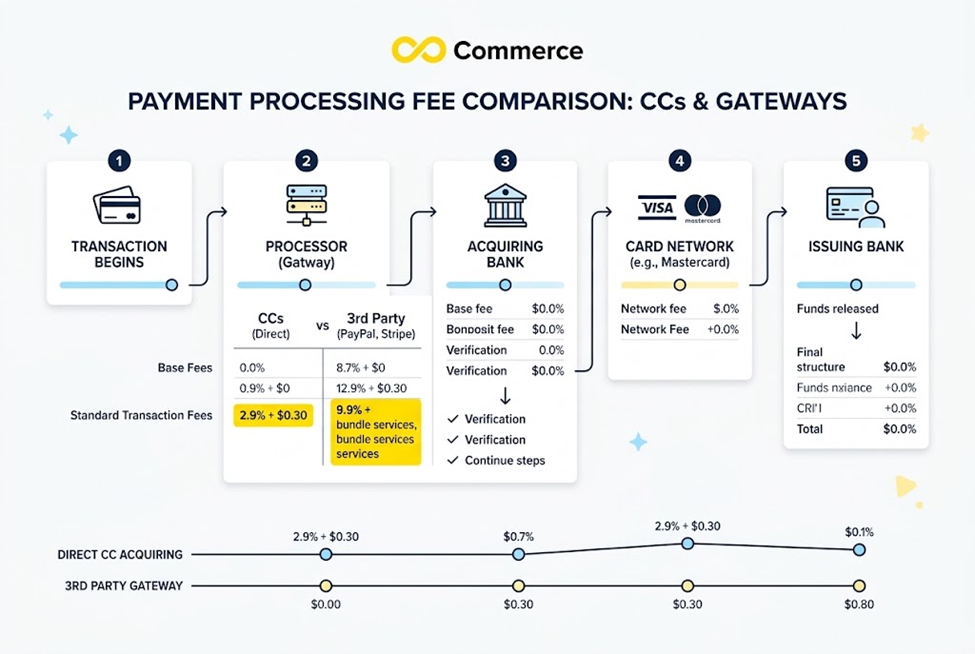
Processing fees can matter more than the monthly price once sales grow.
| Features | GoDaddy | Shopify | Wix |
| Native processor | GoDaddy Payments | Shopify Payments | Wix Payments |
| Card rate (as listed) | 2.7% + 30¢ | Basic 2.9% + 30¢, Grow 2.7% + 30¢, Advanced 2.5% + 30¢ | Not confirmed on pages checked |
| Third-party gateways | Stripe available for businesses outside the US or Canada, or needing recurring payments | Third-party transaction fee of 2% (Basic), 1% (Grow), 0.6% (Advanced) | Connect PayPal, Stripe and others; the page cites both 70+ and 80+ providers |
A few notes:
- Shopify’s third-party fee applies when you use a payment provider other than Shopify Payments, in addition to that provider’s own charges. This is why many Shopify merchants use Shopify Payments where it is available. If you are weighing Stripe as your processor, our comparison of Shopify vs Stripe payments, fees and features breaks down the differences. Shopify Payments is only available in certain countries and regions, so check yours.
- Wix lists Wix Payments plus the ability to connect PayPal, Stripe and other providers and use several at once. Wix’s fee rates were not available from the pages checked, so look at its current fee page for your country.
- GoDaddy lists its own processor and a Stripe option for certain cases.
Rates also depend on country, card type and volume. Use each provider’s fee page to model your own numbers before you decide.
Pricing
Prices below are what the pages showed when checked, in US dollars.
Shopify
| Plan | Monthly billing | Annual billing |
| Basic | $39/mo | $29/mo |
| Grow | $105/mo | $79/mo |
| Advanced | $399/mo | $299/mo |
| Plus | From $2,300/mo | Not offered |
The page shows a 3-day free trial, and its hero line says “Try 3 days free, then $1/month for 3 months.” The FAQ says the trial needs no credit card. Offers change, so read the terms before you start.
Wix
Wix’s ecommerce page says annual ecommerce plans range from $29 a month (basic) to $159 a month (advanced), US prices as of November 2025. Another section of the same page gives a range from $27 to $159. Because the page is inconsistent and dated, check Wix’s pricing page for the current figures. Wix states that building a store is free and that accepting payments requires a paid plan. All plans include free hosting and a free domain for one year, per Wix.
GoDaddy
GoDaddy’s pages did not show website or store plan prices. They show that you can start free, that annual plans include a free domain, that the online store lists a free trial, and that you upgrade to publish. Check GoDaddy’s current pricing page for plan names and costs, and ask whether product, storage or feature limits apply to the plan you want.
Beyond the sticker price
Total cost includes more than the plan:
- Payment processing fees.
- Apps or add-ons for features you need.
- A paid theme or design help.
- A domain beyond the first year.
- Your time to set it up and maintain it.
A low monthly price can cost more overall if you must add paid tools for essential features, and a higher plan can pay for itself if its lower fees match your sales volume.
Selling channels and growth
Where you can sell, and how easily you can expand, shapes your future options.
- Wix lists marketplace and social selling from one dashboard, POS options and multilingual tools.
- Shopify is built to grow: higher plans reduce transaction costs, and the app ecosystem covers marketing, shipping, subscriptions, reviews and more. Not every feature is built in, so you add apps, each with its own cost.
- GoDaddy suits a straightforward online store. If you expect to scale into many channels, check whether it has what you need.
A useful test: write down where you expect to sell in two years, such as your own site, social shops, marketplaces or physical retail. Then check each platform for those channels, rather than for what you need today.
Tracking and advertising
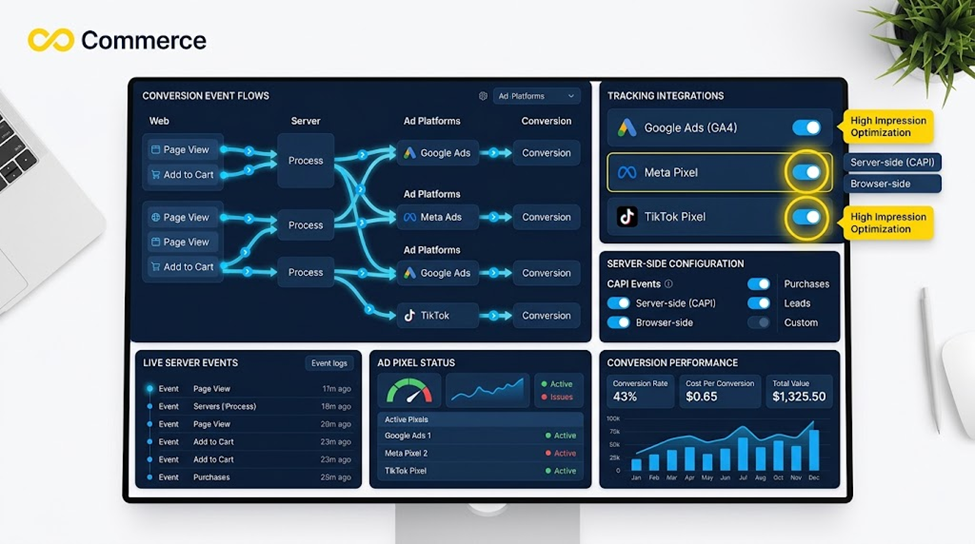
If you plan to run Facebook, Instagram or TikTok ads, tracking matters from the start. Ad platforms learn from the purchase and add-to-cart events your store sends, and mistakes here make your ad data unreliable.
On Shopify, apps can handle this. Infinite Commerce’s Facebook and TikTok Pixel app adds Facebook and TikTok pixels and conversion APIs (server-side tracking) to a Shopify store. According to its page, setup is three steps: install the app, add your pixel IDs and enable server-side tracking with a toggle. The page lists a Free plan at $0, Basic at $6.99 a month, Standard at $9.99 and Premium at $19.99, with a 7-day trial on the paid plans. These are the prices shown at the time of writing; check them before you install. The app is a Shopify app, so it applies to Shopify stores only.
On Wix and GoDaddy, check how each handles Facebook and TikTok pixels and server-side tracking before you commit, because the options differ by platform and plan. This article did not verify those details, so ask each provider.
Support and learning resources
Wix’s page lists 24/7 customer care across plans. GoDaddy’s page states 24/7 expert support by phone and chat. For Shopify, check its current help pages for the support options on your plan. All three also have help centers and communities, which are worth browsing before you decide. A platform with an active community can save you hours when something breaks.
Migration and lock-in
Moving a store later is possible but rarely painless. Wix’s page says catalogs can be imported and exported as CSV files, and mentions a migration app. Check before you start how each platform lets you export products, customers and orders, and what happens to your URLs and SEO if you move. The best time to think about leaving is before you arrive.
Which one should you choose?
Shopify if
- Selling products is the core of your business.
- You expect to add channels, apps or staff.
- You want a large ecosystem of themes and tools.
- You will run paid ads and need strong tracking options.
Wix if
- You want a design-led site with a store built into it.
- You need other site features, such as bookings, content or portfolio pages, alongside products.
- You like a visual editor and want control of every page.
GoDaddy if
- You already manage your domain or hosting with GoDaddy.
- You want an AI-assisted, quick start for a small store.
- Your catalog is small and your needs are simple.
Pause before choosing any of them if
- You sell in a country where a platform’s payment processor is not available.
- You have a very large catalog, and have not confirmed the product limits.
- You rely on a specific app or integration that only one platform offers.
A simple way to decide
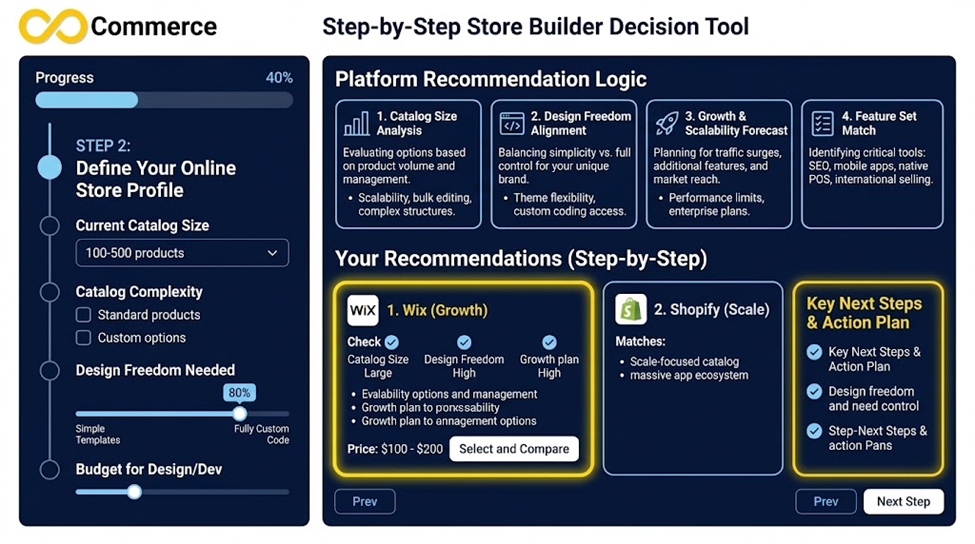
- Write down your product count, sales channels and countries.
- Estimate monthly sales and run each platform’s payment fees against that number.
- List three must-have features and check each platform for them.
- Start a free trial or free build on your top two choices and list 10 products on each.
- Choose the one that felt easiest to manage after a week, not the one with the nicest demo.
Final thoughts
Shopify, Wix and GoDaddy can all sell products online, but they favor different kinds of store owners. Shopify is the most store-focused and scalable of the three. Wix is the most flexible for design-led sites that also need a store. GoDaddy offers a quick, AI-assisted start for smaller needs. Pick by your products, your channels and your plans for growth, run the fee math with your own numbers, and test before you commit.
Get your ad tracking right from day one
If you choose Shopify, set up tracking before you spend on ads. Infinite Commerce’s Facebook and TikTok Pixel app adds pixels and server-side tracking without code, with a 7-day trial on its paid plans. If you want help comparing platforms or checking your tracking setup, contact our team.
FAQs
For a store that is mainly about selling products and growing, Shopify is built specifically for that and has a larger ecosystem. GoDaddy can suit a small, simple store, especially if you already use it for your domain. Neither is better for every case.
Wix offers wide design flexibility and lists many selling features. Shopify is a dedicated ecommerce platform with a strong app ecosystem. The better one depends on whether you need a design-led site with a store or a store-first system.
It depends on the plan, billing period and your sales volume. GoDaddy’s prices were not shown on the pages checked. Wix lists annual ecommerce plans from $29 a month, and Shopify’s Basic plan is $29 a month on annual billing or $39 monthly, per their pages. Include payment fees and add-ons when you compare.
You can start building on each for little or nothing, but taking real payments requires a paid plan or payment setup, and fees apply to transactions.
Wix lists dropshipping and print-on-demand as supported product types. For Shopify and GoDaddy, check the supplier integrations available for your products and their shipping times before choosing.
Yes, but it takes work. Export your product data, plan your URL redirects and test everything before you switch.
