 Amber Naz
Quick Summary
TikTok inventory sync keeps the stock count on your TikTok Shop listings matched to the count in your Shopify admin, so a sale on one channel lowers availability on the other. To set it up, prepare Shopify inventory tracking, connect the TikTok sales channel, map your SKUs, add a safety buffer, and test with a real order. This guide walks through each step and the fixes for the most common sync problems.
A creator posts a video on Monday morning. By lunchtime your best-selling hoodie has 40 orders, but your Shopify admin shows only 12 units left. Whether those extra 28 orders turn into refunds, cancellations, and unhappy reviews depends on one thing: how quickly your stock numbers reach TikTok.
That is the problem this guide solves. You will learn how Shopify TikTok inventory data moves between the two platforms, where overselling really starts, how to configure everything step by step, and what to check when the numbers stop matching. It is written for Shopify merchants selling on TikTok Shop, whether you manage a few dozen SKUs or a few thousand.
What Is TikTok Inventory Sync and How Does It Work on Shopify?
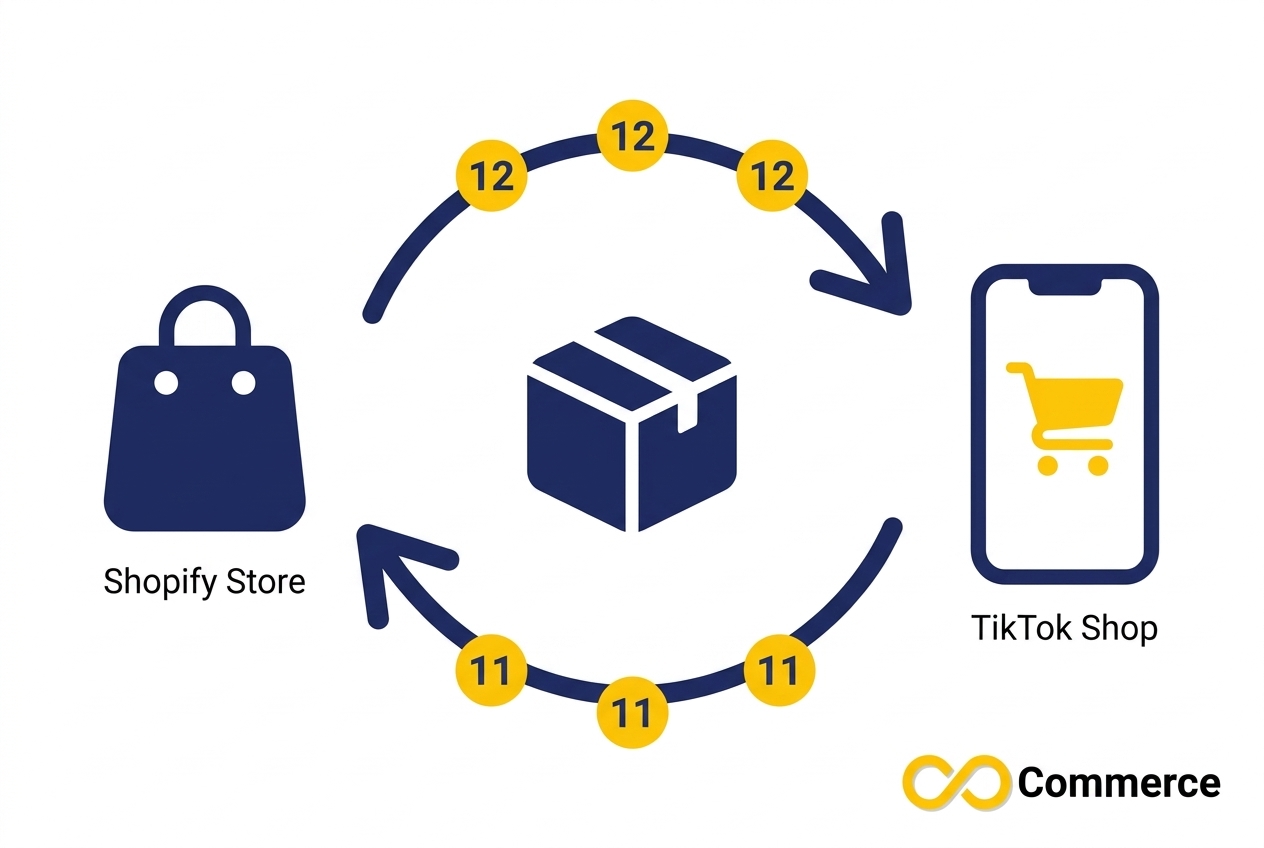
Syncing stock between Shopify and TikTok Shop means keeping the available quantity of every product variant on TikTok equal to the quantity in your Shopify store. When an order arrives on either channel, the count should drop on both. When you restock or correct a number in Shopify, TikTok should receive the update.
Shopify’s Help Center describes the TikTok sales channel as the way to connect to TikTok Shop and sync catalog, inventory, fulfillment, and orders between the two platforms. In practice, that makes Shopify the control panel for stock. You change quantities there, and the connection passes them along. Feed apps and multichannel inventory tools do a similar job, with different options for speed, rules, and extra sales channels.
What Gets Matched Between Shopify and TikTok Shop
A good TikTok Shop inventory sync works at the variant level, not the product level. A T-shirt in three sizes and four colors is twelve separate stock numbers, and each one needs to line up. The usual link between the two platforms is the SKU, which is why clean SKUs matter so much later in this guide.
The updates that should flow through are:
- New orders from either channel reducing available quantity
- Manual stock edits and restocks made in Shopify
- Cancellations and returns putting units back into stock (depending on how your setup handles them)
- Variants reaching zero, which should stop being purchasable
Why Overselling Happens
Overselling means accepting more orders than you have units to ship. On a single channel it is rare. Across two or more channels it is common, because several things can go wrong at once:
- Delay. Stock updates are not always instant. If a sync runs on a schedule, orders can arrive in the gap between runs.
- Mapping gaps. A variant without a matching SKU may never receive updates.
- Manual edits in two places. Changing a number in Shopify and in TikTok Seller Center creates conflicting sources of truth.
- Demand spikes. Live streams and viral videos send orders in bursts, which is exactly when delays hurt most.
- Other channels. Every extra marketplace, store, or warehouse adds another copy of the same number.
Some inventory vendors also point out that the native integration may not update stock fully automatically or in real time in every situation, so it pays to test timing instead of assuming it.
Why You Need to Prevent TikTok Overselling Before Your Next Campaign
An oversold order is more than a refund. On TikTok Shop, an order you cancel because you ran out of stock is treated as a seller-fault cancellation, and those count toward your Seller-Fault Cancellation Rate (SFCR). The thresholds differ by region and seller status, so check your own targets in TikTok Seller Center rather than relying on a number from a blog post.

If you do have to cancel for lack of stock, the process matters. Seller guides based on TikTok’s policies recommend that you message the buyer, cancel the order yourself, and issue a full refund. Asking the customer to cancel instead is against policy.
The practical takeaway is simple: prevent TikTok overselling at the source. It costs far less to hold stock accurately than to repair account health after a rush of cancellations. And because TikTok discovery is content-driven, demand rarely arrives politely. It arrives in bursts, often when you are not at your desk.
Prepare Shopify Before You Connect TikTok
Most sync failures start in Shopify, not in TikTok. Spend fifteen minutes on this checklist before you connect anything.
- Turn on Track quantity for every variant. Shopify requires inventory tracking before you can view or adjust stock levels, and it is set per variant. Shopify’s guide to setting up inventory tracking shows where to find the setting in the Inventory section of each product.
- Give every variant a unique SKU. SKUs are how stock numbers find the right listing. Duplicate or blank SKUs are a leading cause of mismatches.
- Check your locations. Shopify needs at least one location to track inventory. If you stock products across several warehouses or stores, confirm which locations feed your online sales.
- Review “Continue selling when out of stock.” This setting lets customers keep buying at zero. For products you sell on TikTok, leave it off unless you genuinely take backorders.
- Fix zero and blank inventory. Sellers have reported sync failures when a product had empty or zero inventory. Clean those up first.
- Check TikTok’s product requirements. Shopify notes that your products need to meet TikTok’s product guidelines for your region before they can be listed.
This preparation also helps your wider Shopify TikTok inventory setup, because clean variants and SKUs make every later step easier.
How to Set Up TikTok Inventory Sync Step by Step
The exact screens can change as Shopify and TikTok update their tools, so use this as the sequence to follow and check Shopify’s current setup page for the latest wording.
Step 1: Install the TikTok Sales Channel
From the Shopify App Store, search for TikTok, select Add channel, and on the Set up TikTok Shop page choose Connect in the TikTok Shop section. Then follow the sign-in or sign-up prompts to link your TikTok Shop account.
Step 2: Choose and Sync Your Products
Select the products you want to sell on TikTok Shop. Start with your best sellers and the items you can restock quickly. Fewer, well-tracked products are easier to verify than a whole catalog pushed live in one go.
Step 3: Map SKUs for Products Already in Seller Center
If you already had products in TikTok Seller Center before connecting Shopify, do not leave them as separate listings. One 2026 playbook on connecting the two platforms advises using Shop Management in Seller Center to map SKUs to Shopify products so inventory, price, and orders sync correctly. Skipping this step is how stores end up with two listings for the same item and two different stock numbers.
Step 4: Make Shopify the Source of Truth
Decide that Shopify holds the real number, and treat TikTok as a mirror. After that, stop adjusting quantities in Seller Center unless it is an emergency. If you must make a manual change there, make the same change in Shopify immediately, or the next update may overwrite it.
Step 5: Add Alerts and a Safety Buffer
TikTok Seller Center includes a Stock Dashboard where you can see inventory levels, and you can set stock alert values, including in batches through Manage Stock in the Products section. Use alerts to warn you before a bestseller runs out, not after.
A safety buffer is a small number of units you deliberately do not offer for sale. It protects you from sync delays and from an order landing at the same moment as a warehouse correction. Here is an illustrative example:
A skincare brand has 30 units of a serum and is planning a live stream. It expects fast sales and knows its stock updates are not instant, so it makes only 25 units available and holds 5 back. If the sync is a few minutes late during the rush, the brand still has units in reserve to cover the orders that slip through.
The right buffer depends on your sales speed and how often your tool syncs. Use a larger buffer for fast-moving items and a smaller one for slow sellers. If your sync tool offers an allocation rule or stock threshold, use it. If it does not, you can lower the available quantity you publish for high-risk items.
Step 6: Test Your TikTok Inventory Sync Before You Launch
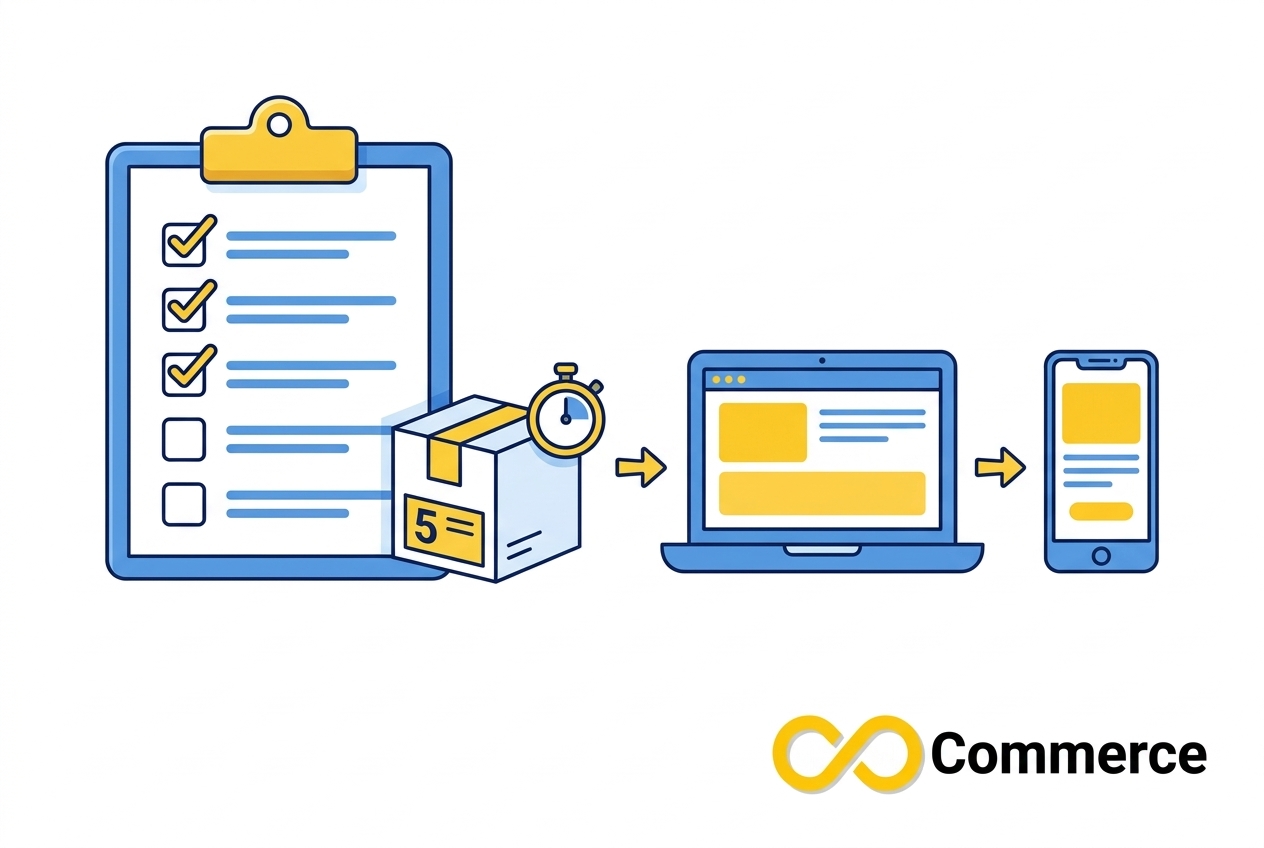
Never trust a sync you have not tested. Pick one low-risk product with a small stock, such as five units, and run these checks:
- Change the quantity in Shopify and note how long TikTok takes to show the new number.
- Place a test order on Shopify and check that TikTok’s count drops.
- Place or simulate an order on TikTok Shop and check that Shopify’s count drops.
- Set a variant to zero and confirm the listing stops being purchasable.
- Restock it and confirm the listing recovers.
Write down the delay you measure. That number is the basis for your safety buffer. If the delay is longer than you expected, you have just learned that before a campaign instead of during one.
Native Channel vs Sync App: Which TikTok Stock Sync Setup Fits Your Store?
There is no single best answer. The right TikTok stock sync setup depends on how many channels you sell on and how fast your products move.
| Option | Best for | Watch out for |
| Shopify TikTok sales channel | Stores selling only on Shopify and TikTok Shop with a manageable catalog | Test update timing; some vendors say inventory updates may not always be fully real time |
| Multichannel inventory app | Sellers on several marketplaces, warehouses, or both | Extra cost and extra setup; make sure TikTok Shop is a supported channel |
| TikTok feed and sync app | Stores that want product and stock updates automated, with bulk editing | Sync speed varies by tool and plan, so confirm the details before a big sale |
Small stores that sell only on Shopify and TikTok Shop can often start with the native channel and move to a dedicated app as volume or complexity grows.
If you want automation without building it yourself, Infinite Commerce offers the Infinite TikTok Catalog Feed app. Its app page lists Automatic Product Sync, Instant Feed Updates, and Scheduled Bulk Operations, along with multi-currency and multi-language support. Sync frequency depends on the plan you choose, so review the current plan details on the app page and run the test in Step 6 on your own store before you rely on it for a flash sale.
TikTok Inventory Management Best Practices for Launches, Lives, and Sales
Good tools help, but habits keep the numbers honest. These TikTok inventory management practices are the ones that matter most.
Keep Shopify as the Single Source of Truth
Every quantity change should start in Shopify: receiving stock, correcting a count, or processing a return. One place to edit means one place to check when something looks wrong.
Hold Back Stock for Live Streams and Viral Spikes
Raise your buffer before a live stream or a creator collaboration and lower it afterward. A short period of slightly conservative stock beats a long period of apologizing to customers.
Audit Your TikTok Inventory Sync Every Week
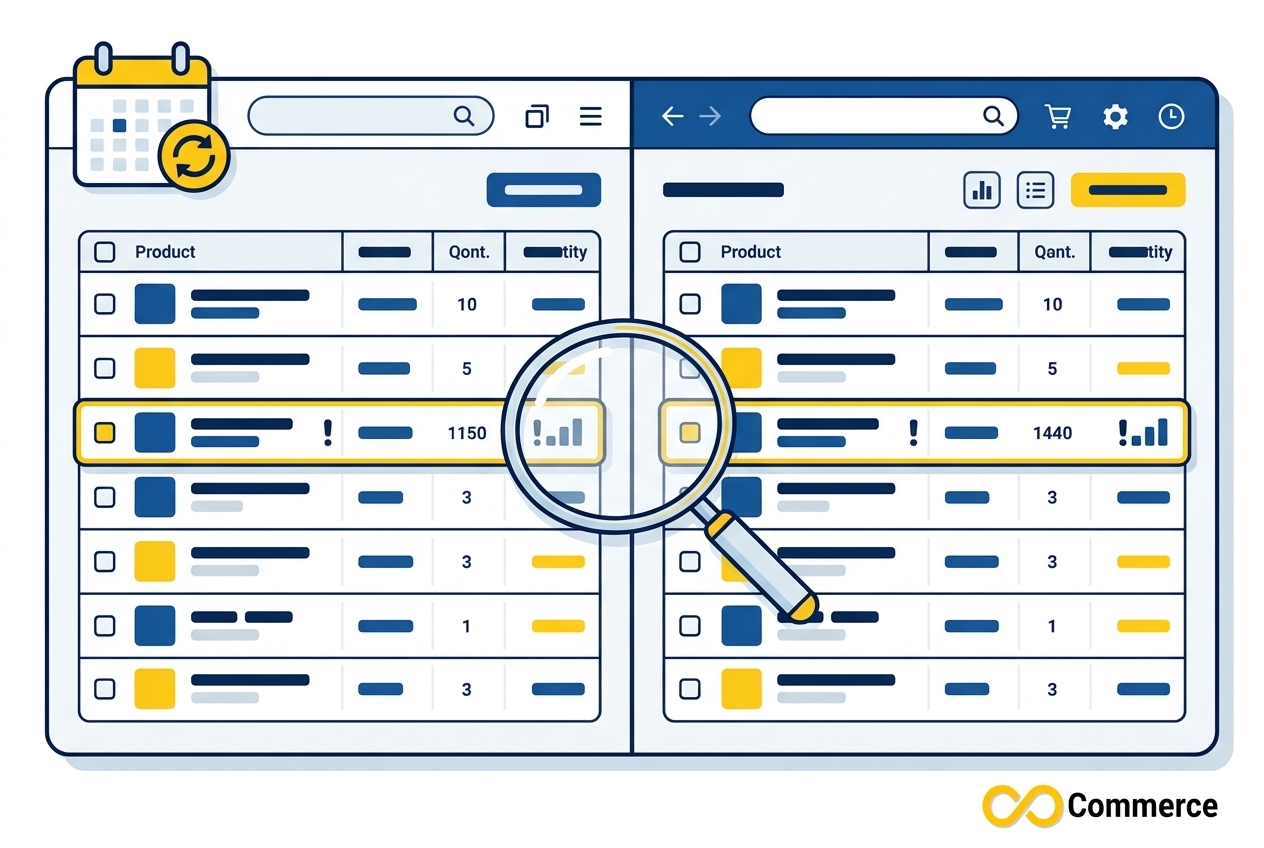
Once a week, compare your top 20 products in Shopify against the Stock Dashboard in TikTok Seller Center. A mismatch on one SKU is a small fix. A mismatch you discover after 200 orders is a crisis. Keep a simple log of what you find, because patterns show you whether the issue is timing, mapping, or manual edits.
Prepare for Seasonal Peaks
Peak shopping weeks put extra pressure on inventory accuracy. Build stock checks into your preparation, and use our Shopify Black Friday checklist to cover the rest of your store while you are at it.
Measure What You Sell
Accurate stock protects the customer experience, but accurate tracking protects your ad budget. If you run TikTok ads alongside TikTok Shop, make sure your purchase events are being recorded. Our Facebook – TikTok Pixel app page explains the tracking side so your stock and your reporting work together.
Handle Returns, Cancellations, and Restocks Deliberately
A returned item is only sellable again once you have inspected it. Add it back to inventory in Shopify only when it is actually ready to ship, so TikTok never advertises stock that is sitting in a returns box.
Common TikTok Stock Sync Problems and How to Fix Them
When counts stop matching, work through these causes in order. They are listed from most likely to least likely.
- The quantity changed in Shopify but not on TikTok. The most common reason is simple delay. Wait for the next sync cycle and check again. If the number still has not changed, confirm that the connection is active, that permissions have not expired, and that the product is included in the sync.
- Products will not sync, or you see an “inventory is empty” error. One seller guide lists a “Sync Failed” message about empty inventory and suggests double-checking inventory levels and making sure products are not hidden. Shopify community threads also describe failures tied to zero inventory and warehouse mapping. Make sure every variant has tracking on and a valid quantity, then retry.
- Only one market appears on TikTok. If you sell in several markets, check the market and region settings on both platforms. Sellers have reported cases where only a primary market shows in TikTok’s catalog even though several markets are configured in Shopify.
- You have duplicate or unlinked listings. This usually means products existed in Seller Center before the connection was made. Map those SKUs to the matching Shopify products using Shop Management, and remove the duplicates.
- Variants show the wrong stock. Look for missing, duplicated, or edited SKUs. A SKU that changed in one platform but not the other breaks the link between them.
- Stock looks right, but orders still oversell. Your numbers are accurate but late. Increase your safety buffer, shorten the gap between sync cycles if your tool allows it, and test again.
If none of these solves it, contact the support team for the tool or app you use and send the product SKU, the time of the change, and a screenshot of both counts. Specific details speed up every support conversation.
Conclusion
Reliable TikTok inventory sync comes down to a few habits: clean SKUs, quantity tracking on every variant, one source of truth, a realistic safety buffer, and a test you run before every big moment. Do those well and overselling stops being a fear you carry into each campaign.
Start with the preparation checklist, run the six-step setup, and put a weekly audit on your calendar. The first week will show you where your gaps are. After that, the process takes minutes.
If you want a hands-off way to automate product and stock updates, explore the Infinite TikTok Catalog Feed app from Infinite Commerce, and browse more Shopify and TikTok guides on the Infinite Commerce blog.
FAQs
It is the automatic matching of product stock between your Shopify store and TikTok Shop. When a unit sells on either channel, or you update stock in Shopify, the available quantity updates on the other side. Its purpose is to prevent overselling and keep listings accurate.
Shopify’s TikTok sales channel is designed to sync catalog, inventory, fulfillment, and orders between Shopify and TikTok Shop. How quickly and completely updates arrive can vary by setup, so test the timing on your own store before a campaign.
Use Shopify as your single source of truth, turn on quantity tracking for every variant, keep SKUs unique, hold back a safety buffer for fast sellers, and audit your counts weekly. Test your sync with a small-stock product before any live stream or promotion.
It depends on the connection method. Some tools update on a schedule and others update on each change. Check the documentation for your sales channel or app, then measure the real delay with a test order.
You will usually need to cancel the order, message the customer, and refund them in full. A cancellation for lack of stock counts as seller-fault and can affect your Seller-Fault Cancellation Rate and account health. Do not ask the customer to cancel for you.
Not always. Small stores that sell only on Shopify and TikTok Shop may do fine with the native sales channel at first. An app becomes more useful when you sell on more channels, run frequent promotions, or need bulk editing and tighter control.
