 Amber Naz
Quick Summary
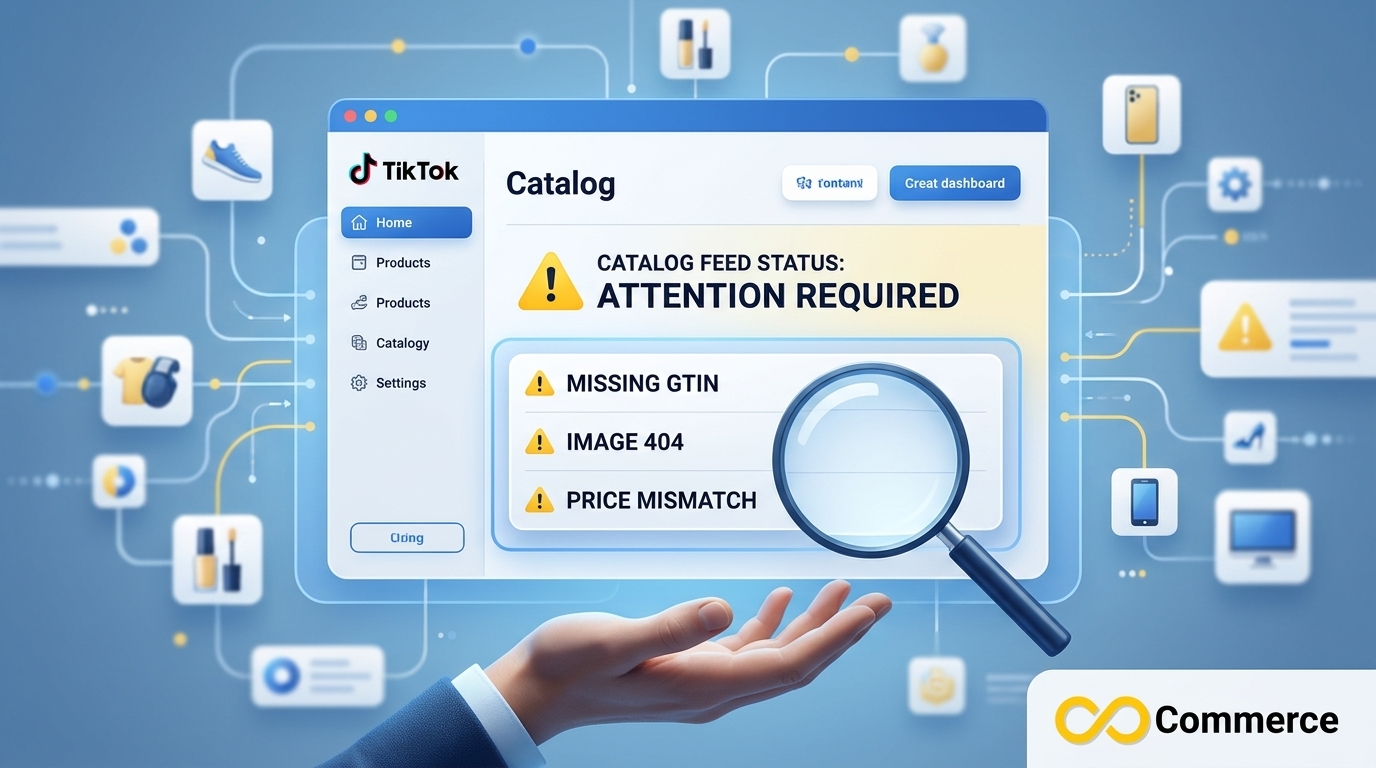
TikTok catalog feed errors happen when your product data, images, links or file format fail TikTok’s validation, so items are rejected or the whole feed is disapproved. Most can be fixed in four steps:
- Open Catalog Diagnostics in TikTok Commerce Manager and read the exact reason for each rejection.
- Fix required fields, pricing and availability so they match your product page exactly.
- Use public HTTPS image and product URLs that load without redirects, logins or 404s.
- Save the feed as clean UTF-8 CSV, TSV or XML and refresh it on a schedule.
If you run TikTok Shopping or Dynamic Product Ads, TikTok catalog feed errors quietly shrink the number of products you can advertise. This guide explains why they happen, how to fix each type, what the common TikTok catalog error codes and messages mean, and how to stop them from coming back. It is written for store owners, performance marketers and feed managers who need clear answers fast. Shopify merchants can also manage their feed with our TikTok Catalog Feed app.
What Is a TikTok Catalog Feed?
A TikTok catalog feed is a structured product file, usually CSV, TSV or XML, that lists each item’s title, description, price, availability, image link and product URL. You connect it to TikTok Commerce Manager, where it powers Dynamic Product Ads and TikTok Shopping by pulling product details into your campaigns automatically.
How TikTok Validates Your Feed
TikTok fetches your feed on a schedule and checks every product against its requirements. Items that pass are approved for ads and shopping surfaces. Items that fail are marked as rejected, and a feed that cannot be read at all is disapproved as a whole. You can see the result for each item in Catalog Diagnostics.
Why Do TikTok Catalog Product Issues Happen?
TikTok catalog product issues usually trace back to five recurring causes:
- Missing required fields: price, availability, brand or GTIN left blank.
- Incorrect formatting: wrong price format, unsupported currency or mismatched column headers.
- Broken or redirecting URLs: product and image links that fail to load.
- Policy violations: restricted categories or prohibited claims in titles and descriptions.
- Outdated data: a feed that refreshes too rarely to reflect price and stock changes.
How Feed Errors Hurt Ad Performance and Sales
Every rejected item is a product you cannot advertise. As errors pile up, your usable catalog shrinks, Dynamic Product Ads show fewer products and retargeting audiences see incomplete results. That lowers click-through rate and return on ad spend, so catalog health is a revenue issue and not only a technical one.
Common TikTok Catalog Feed Errors and How to Fix Them
The fixes below are grouped by where the error appears in your feed. Treat the limits shown as common guidelines and confirm the current values in TikTok’s catalog product parameters guide, because platform specs change.
Product Data Errors
Product data is checked first, so these are the most frequent causes of a TikTok catalog item rejected status.
Titles
Titles fail when they are too short, miss key attributes or contain promotional wording such as “SALE” or “Best Price.”
- Include brand, product name and one key attribute such as size, color or material.
- Keep titles within a sensible length range (roughly 25 to 150 characters).
- Remove ALL CAPS, special characters and promotional phrases.
Descriptions
Descriptions should be plain text. Remove HTML tags, excessive emojis and promotional claims, and do not copy the title word for word. Aim for clear, factual copy of a few hundred characters that describes materials, use and key features.
Pricing
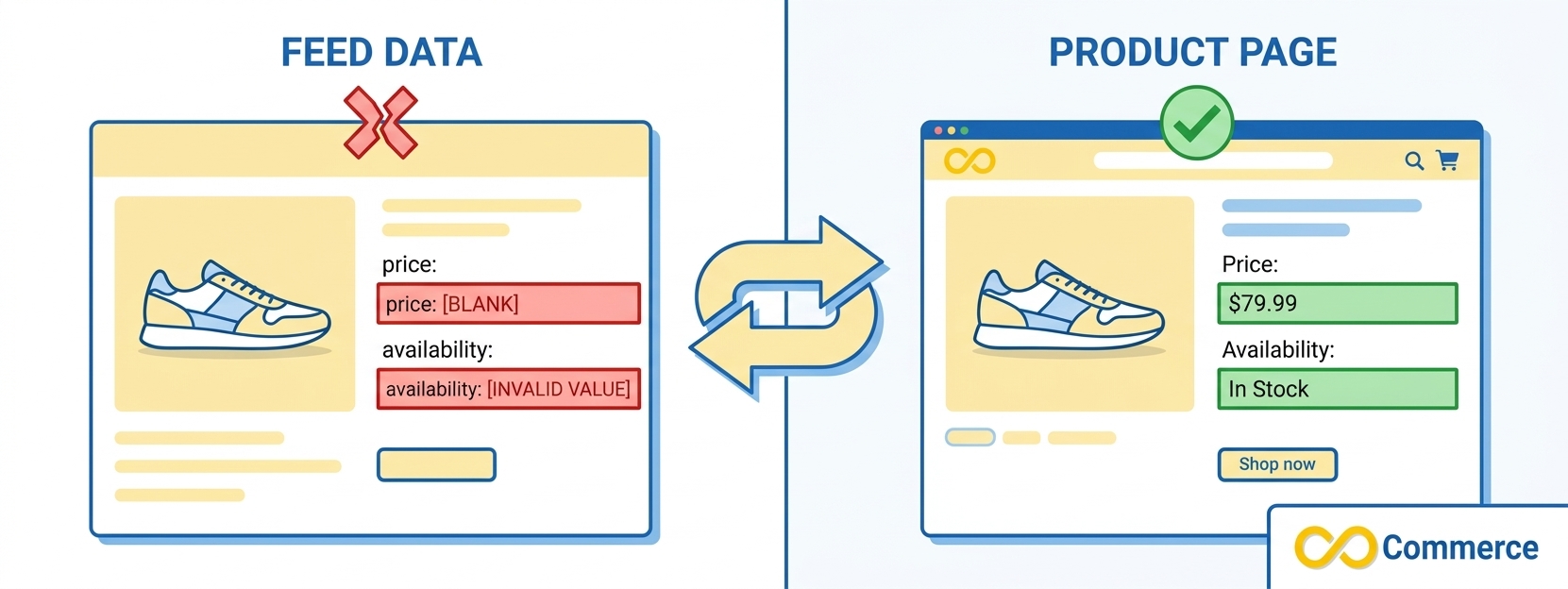
Your feed price must match the price on the landing page exactly. A mismatch is one of the fastest ways to get an item rejected.
| Common issue | How to fix it |
| Feed price differs from page price | Sync the feed with live site prices |
| Currency mismatch | Use the currency of the target market |
| Wrong price format | Use the format TikTok expects, for example 19.99 USD |
| Sale price conflicts with price | Make sure sale_price is lower than price and matches the page |
Availability
Use only accepted values: in stock, out of stock or preorder. Blank values or custom labels such as “available soon” will cause the item to fail validation.
Image and Media Errors

Image problems are a leading cause of a TikTok feed disapproved or rejected status, because TikTok’s crawler must reach every image link when it fetches your feed.
Broken or Inaccessible Image URLs
Any image URL that returns a 404, a redirect loop or a login wall will trigger an error.
- Host images on a public server that needs no login.
- Avoid links that expire or rotate.
- Use HTTPS links only.
- Open each image URL in an incognito window to confirm it loads.
Image Size and Format Requirements
| Requirement | Common guideline |
| Aspect ratio | 1:1 (square) |
| Minimum resolution | 500 x 500 px |
| Recommended resolution | 1000 x 1000 px or higher |
| Format | JPG or PNG |
| File size | Keep files reasonably small for fast fetching |
Low-resolution or badly cropped images are often rejected, so batch-check dimensions before you upload.
Watermarks and Overlaid Text
Catalog images should be clean product shots, preferably on a plain white or neutral background. Avoid logos, watermarks, borders, collages and promotional text such as “50% Off.” Save that messaging for your ad creative.
URL and Landing Page Errors
TikTok opens your product links, so a bad URL means a rejected product. These fixes solve most link-related TikTok catalog feed error fix cases.
Broken or Redirecting Product URLs
- Link directly to the final destination URL and remove redirect chains.
- Crawl your feed URLs with a tool such as Screaming Frog to catch 404s.
- Update or remove discontinued and seasonal product URLs right away.
Deep Links That Match the Product
Each product URL should land on the exact item, not your homepage or a category page. Check that every SKU maps to its own product page.
Feed and Landing Page Mismatches
If the price, title or availability in your feed differs from the landing page, TikTok flags a mismatch. Sync feed updates with site changes and audit the two against each other regularly.
Mobile Landing Page Experience
TikTok traffic is mostly mobile. Test product pages on several phones and screen sizes, and aim for fast load times, ideally under three seconds.
Category and Attribute Errors
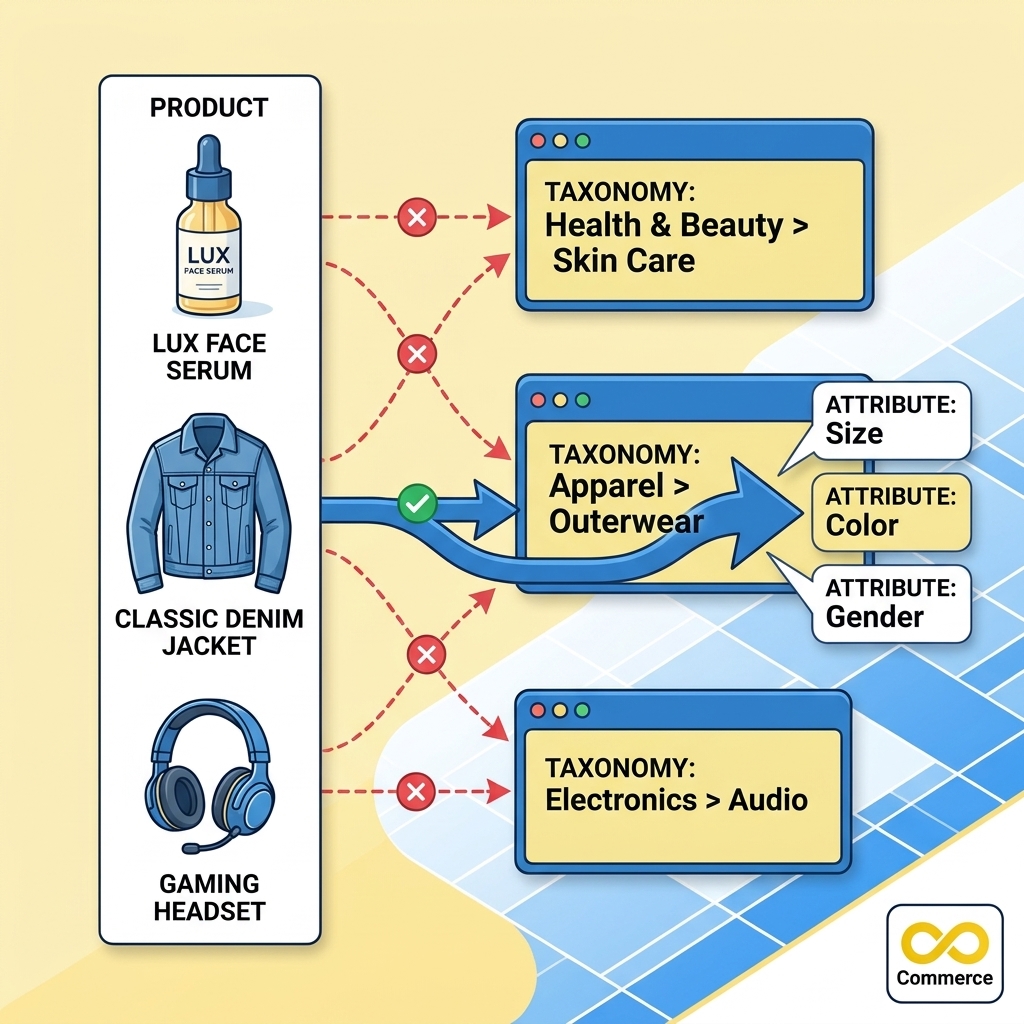
TikTok sorts products with a strict category taxonomy, and each category expects certain attributes. A wrong category or missing attribute can keep a listing from going live.
Map Products to the Right Category
- Use the most specific subcategory available, not a broad parent category.
- Download the category list from TikTok Commerce Manager and match each product to it.
- Google’s product taxonomy is a useful reference when mapping, but always confirm against TikTok’s own list.
Add Missing Required Attributes
| Category | Typical required attributes |
| Apparel | Size, color, gender, material |
| Electronics | Brand, model, compatibility |
| Beauty | Volume or weight, skin type, ingredients |
Requirements differ by category and market, so check TikTok’s attribute rules before submitting.
Fix Invalid Attribute Values
- Use standard values such as XL instead of extra-large.
- Keep colors simple, for example Navy instead of Deep Ocean Midnight Blue.
- Avoid special characters in attribute fields.
Feed Format and Technical Errors
Sometimes the products are fine and the file itself is the problem. These errors can make TikTok reject many items at once or fail to read the feed.
CSV, TSV and XML Formatting
- XML: every tag must be opened and closed correctly. One broken tag can invalidate the whole file.
- CSV and TSV: use one consistent delimiter and wrap fields that contain commas in double quotes.
- Include a header row with the exact column names TikTok requires, and remove trailing spaces from headers.
Character Encoding
Save your feed as UTF-8. Other encodings turn accented letters and symbols into garbled text, which can be flagged as corrupted data.
Feed Fetch and Scheduling Failures
If TikTok cannot pull your feed on schedule, check three things: server response time, your refresh interval (daily is a common setting) and any server downtime during the fetch window.
Public Feed URL Access
Your feed URL must be reachable without a login, IP restriction or other authentication. Open it in an incognito window. If it loads, TikTok can generally reach it too.
TikTok Catalog Error Codes and Messages Explained
TikTok catalog error codes and messages appear in Catalog Diagnostics next to each rejected item. The exact wording can change, so use the table below to match the theme of your message to the likely cause and fix. TikTok also publishes an official list of catalog product issues and suggested actions.
| Message theme in Diagnostics | Likely cause | Fix |
| Missing required field | Price, availability, brand or ID is blank | Fill the field for every item |
| Invalid image or image not accessible | Broken, non-HTTPS or too-small image link | Use a public HTTPS image that meets size rules |
| Landing page unavailable or mismatch | 404, redirect chain or different price on the page | Link to the final URL and sync price and stock |
| Invalid price or currency | Wrong format or unsupported currency | Use the correct number and currency format |
| Invalid category or attribute | Wrong taxonomy match or unsupported value | Map to a specific subcategory and use standard values |
| Policy violation | Restricted product or prohibited claims | Review TikTok’s commerce policies and edit the listing |
| Feed could not be fetched or parsed | Login wall, timeout, bad encoding or broken XML/CSV | Make the URL public, save as UTF-8, validate the file |
Why Is My TikTok Feed Disapproved?
A TikTok feed disapproved status usually means the file could not be fetched or read, or most items failed validation for the same reason. Check feed accessibility and format first, then work through the item-level reasons in Catalog Diagnostics.
What to Do When a TikTok Catalog Item Is Rejected
- Open Catalog Diagnostics and filter by the rejection reason.
- Fix the issue in your source data or store, not only in the exported file.
- Re-fetch the feed or resubmit the affected items.
- Confirm the item status changes to approved.
How to Prevent TikTok Catalog Feed Errors
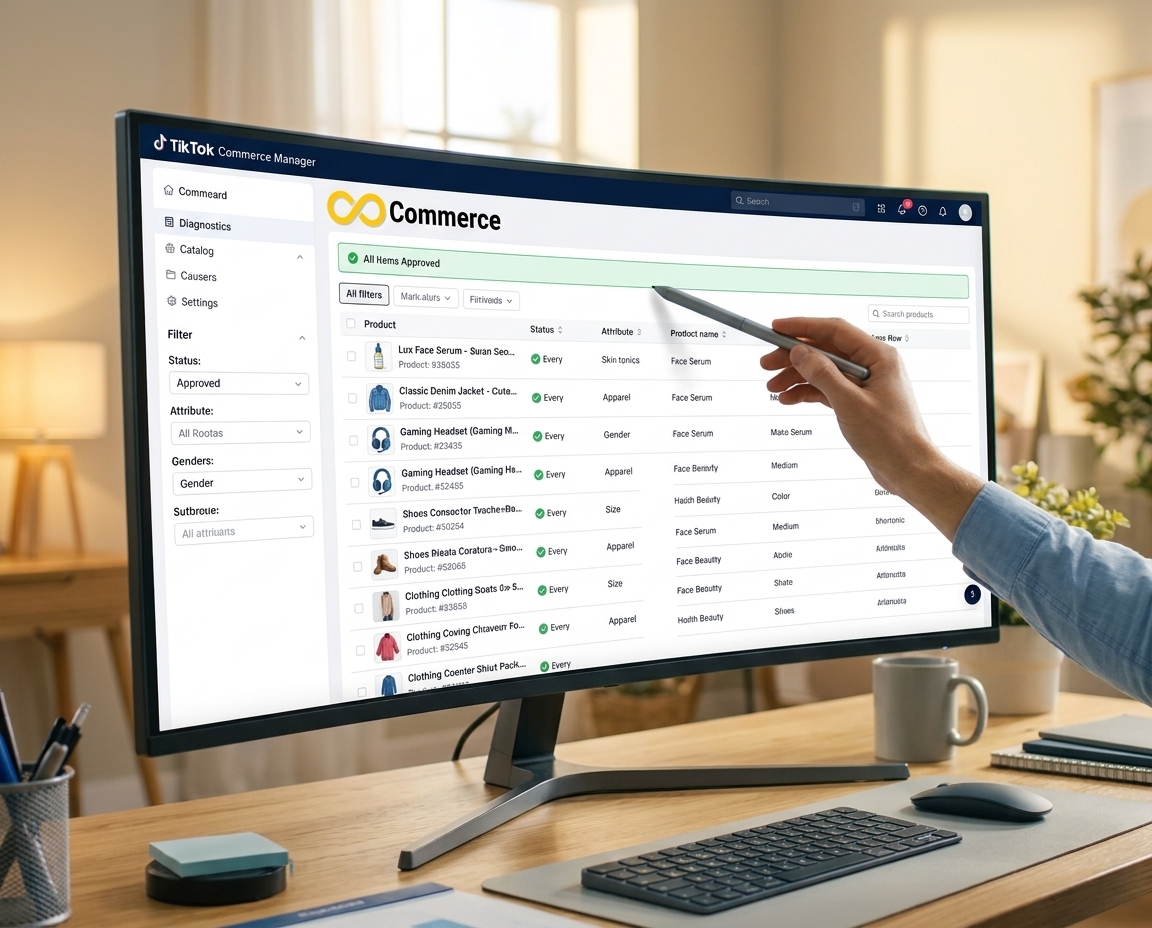
Three habits prevent most repeat errors: regular audits, automated validation and frequent checks of Catalog Diagnostics.
Schedule Regular Feed Audits
Review your feed weekly or every two weeks before TikTok flags problems. Check for:
- Missing required fields such as price, availability and GTIN
- Product URLs returning 404 errors
- Images that no longer meet size or ratio rules
- Mismatched currency or regional data
Use a Feed Management Tool
Feed management platforms such as DataFeedWatch, Feedonomics and Channable can validate your feed against channel requirements, map attributes automatically, send alerts when data breaks the rules and keep price and stock refreshed on a schedule. If you also advertise on Meta, our Facebook Feed Catalog app can help you manage that catalog too.
Monitor Catalog Diagnostics Often
Catalog Diagnostics in Commerce Manager is the clearest view of what is broken. Check it at least twice a week to review rejected items, spot trends by category and resubmit fixed products. Do not wait for campaign performance to drop before you look. Also make sure your catalog is connected to a pixel or app, because TikTok flags catalogs that are not. Our Facebook – TikTok Pixel app and our guide to tracking pixels in e-commerce can help.
Conclusion
Most TikTok catalog feed errors come from a few fixable causes: incomplete product data, mismatched prices, broken links, wrong categories and file format problems. Start by opening Catalog Diagnostics, fix the most common rejection reason first, and set a weekly audit so problems do not return. A clean catalog keeps more of your products in front of shoppers, which is what lifts TikTok Shop and Dynamic Product Ads results. Heading into the holiday rush? Run through our Shopify Black Friday checklist too.
FAQs
A TikTok catalog item is rejected when it fails validation. The most common reasons are missing required fields, a price or availability mismatch with the landing page, broken image or product URLs, invalid category or attribute values and policy violations. Open Catalog Diagnostics to see the exact reason for each item.
Start by checking that TikTok can fetch and read the file. Make the feed URL public, save it as UTF-8, fix any CSV or XML formatting problems and confirm the server responds quickly. Then fix item-level errors listed in Catalog Diagnostics and re-fetch the feed.
You can find them in Catalog Diagnostics inside TikTok Commerce Manager, listed beside each rejected product. Filter by reason to group items that share the same problem, then fix the source data and resubmit.
Approval timing varies. Items are re-checked when TikTok next fetches your feed or when you resubmit them, so a scheduled daily refresh is a common way to get fixes reviewed. If items stay rejected after a refresh, re-check the reason in Diagnostics.
Yes, in many cases. Tools such as DataFeedWatch, Feedonomics and Channable validate your data against channel rules, map fields automatically and alert you when something breaks. They reduce errors but do not replace regular checks of Catalog Diagnostics.

2 Comments
TikTok Shop Currency Settings for Your Shopify Store
November 18, 2026[…] slips often appear as price or currency rejections. Our guide to TikTok catalog feed errors shows how to read Catalog Diagnostics and fix […]
TikTok Shop Language Settings and Localized Listings Explained
November 19, 2026[…] matters. Non-English text includes accents and special characters. Our guide to TikTok catalog feed errors explains why feeds should be saved as UTF-8: other encodings can turn accented letters into garbled […]